

Description
Download Video to Mp3 Converter APK – Video to Audio Tool, MP3 Converter, AAC Converter, Audio Extractor
Overview
Video to Mp3 Converter APK is a desktop application designed to extract audio from video files and convert them into popular audio formats such as MP3 and AAC. The software serves users who wish to convert video content into standalone audio files for personal use, music collection, podcast listening, or background audio enjoyment. It is particularly useful for individuals who want to save high-quality audio from video sources such as concerts, tutorials, or online streams without relying on complex desktop software.
Target users include music enthusiasts, podcast consumers, content creators, and casual users seeking a simple way to repurpose video content. The application supports both simple and advanced conversion modes, allowing users to adjust encoding settings such as bitrate, quality, and encoding type (CBR or VBR). The output files are stored in a designated output folder, making retrieval straightforward. Real-world usage scenarios include extracting theme songs from YouTube videos, converting educational lectures into audio for offline listening, or creating custom playlists from video soundtracks.
The developer did not provide additional information about the company or background. Platform compatibility is limited to Android devices, as specified in the provided details. No further technical or operational context was included.
Key Features & Capabilities
- Video to Audio Conversion – Converts video files into MP3 or AAC audio formats with customizable quality settings.
- Simple and Advanced Mode – Offers two interface levels: a beginner-friendly mode and a more detailed mode for advanced users.
- Encoding Options – Supports both CBR (Constant Bitrate) and VBR (Variable Bitrate) encoding for optimized audio quality and file size.
- Audio Format Support – Outputs audio in widely used formats including MP3 and AAC, ensuring compatibility across devices and media players.
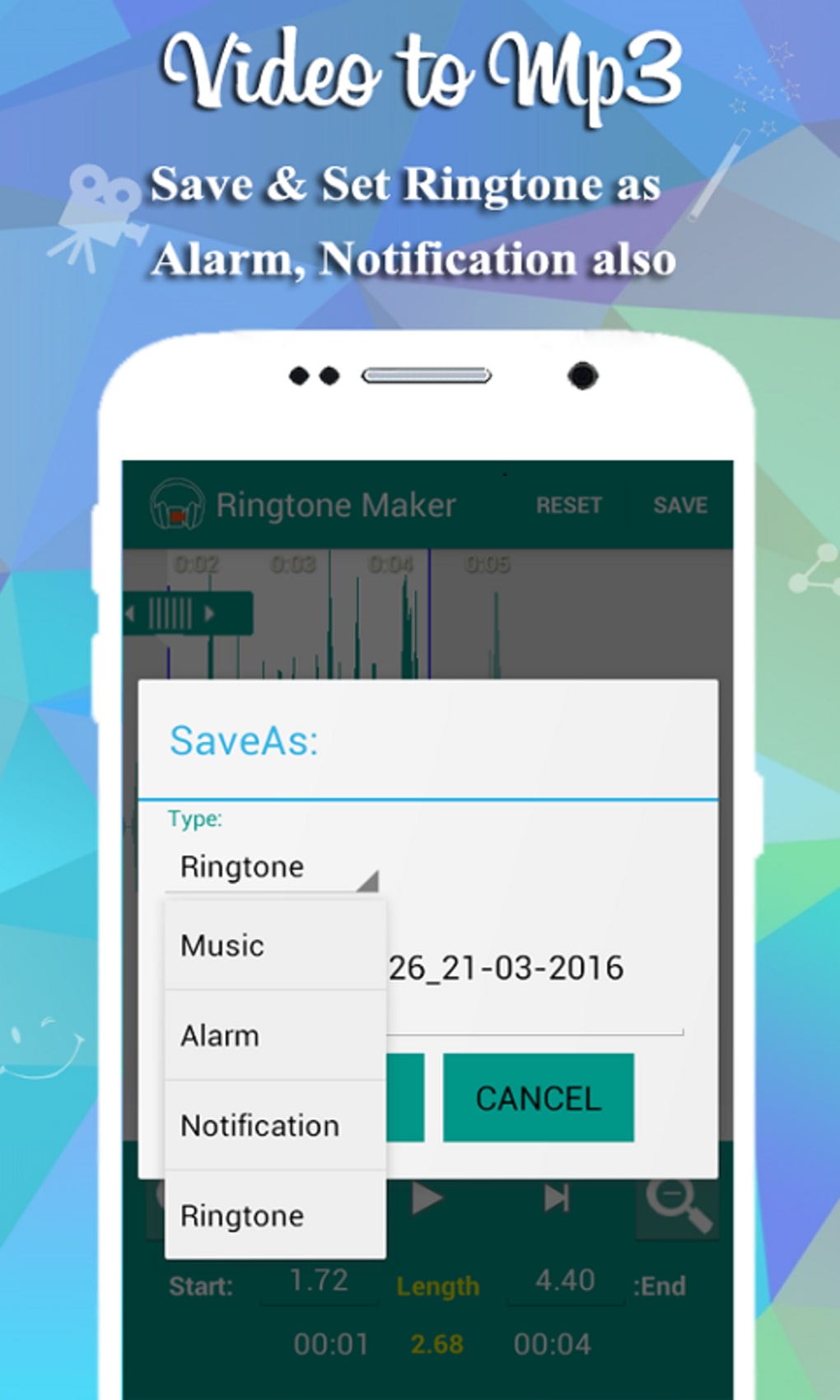
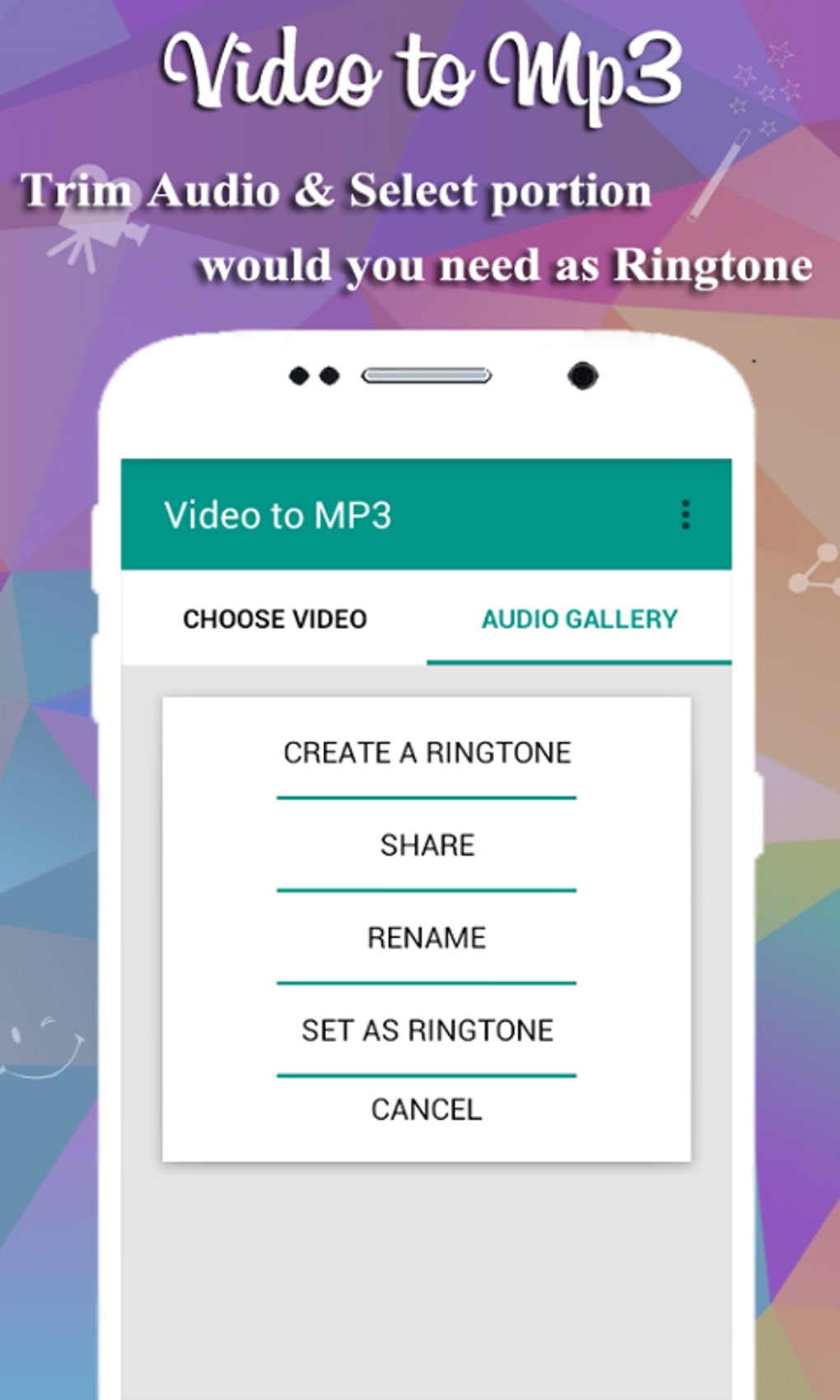
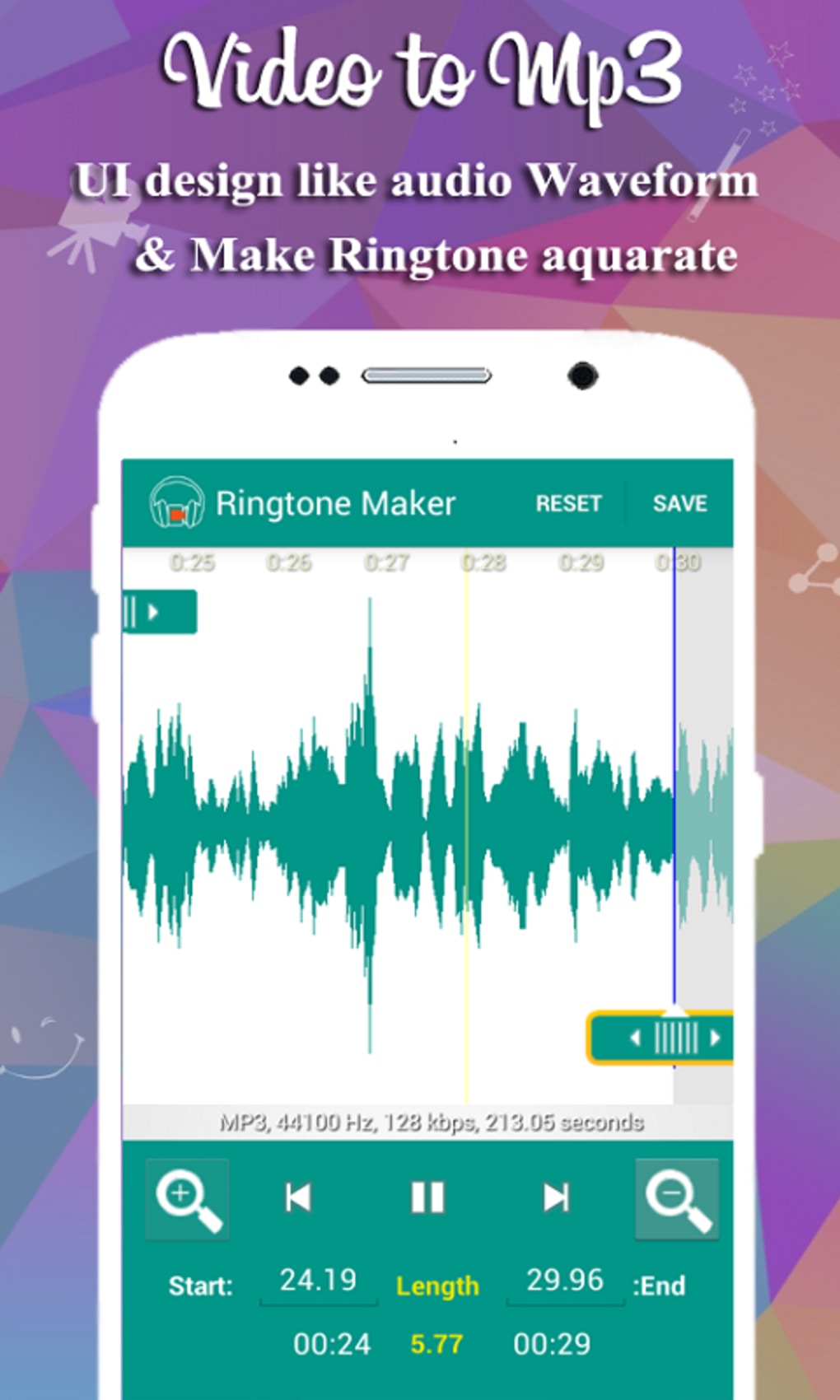
- Trimming Functionality – Allows users to select specific segments of a video or audio file to convert, enabling precise extraction of desired portions.
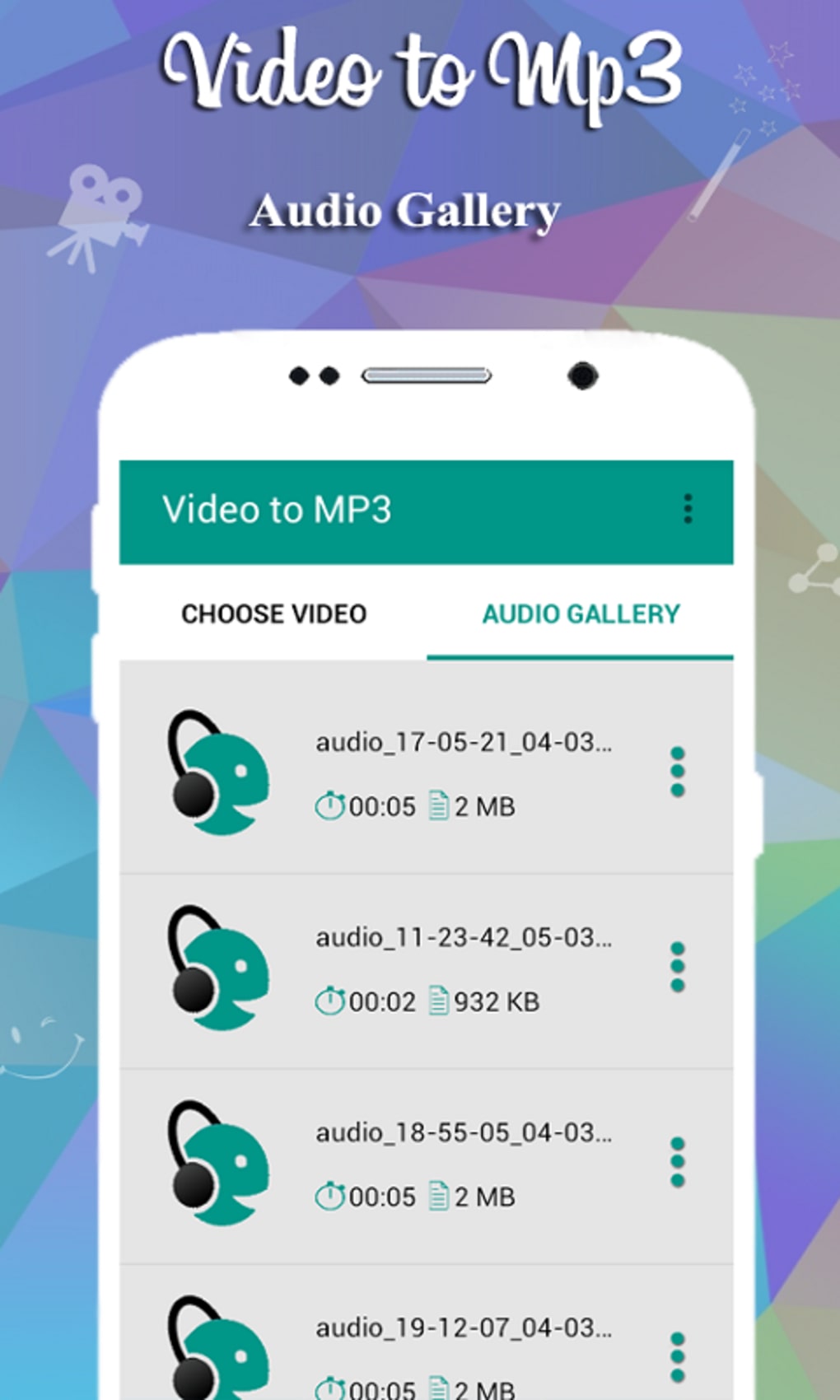
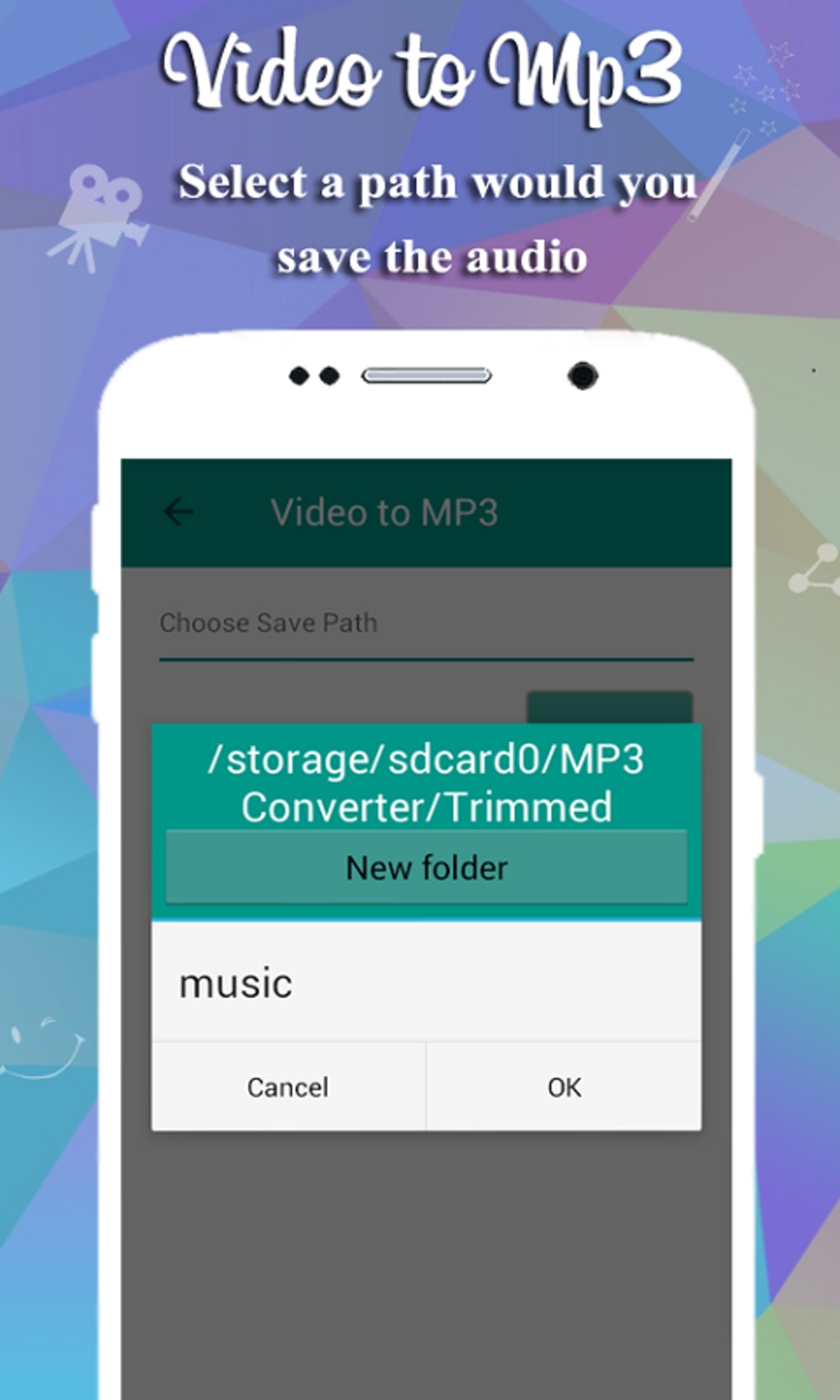
- Output Folder Access – Automatically saves converted files to a user-accessible output folder for easy retrieval.
These features enable users to efficiently extract and customize audio from video content. For example, a user can trim a 30-minute YouTube concert video to extract just the main performance, convert it to high-quality MP3, and save it for offline listening. Similarly, a student might extract a lecture’s audio portion and convert it to AAC for better compression and clarity. The ability to choose between encoding types and quality levels ensures flexibility across different use cases.
User Interface, Workflow & Performance
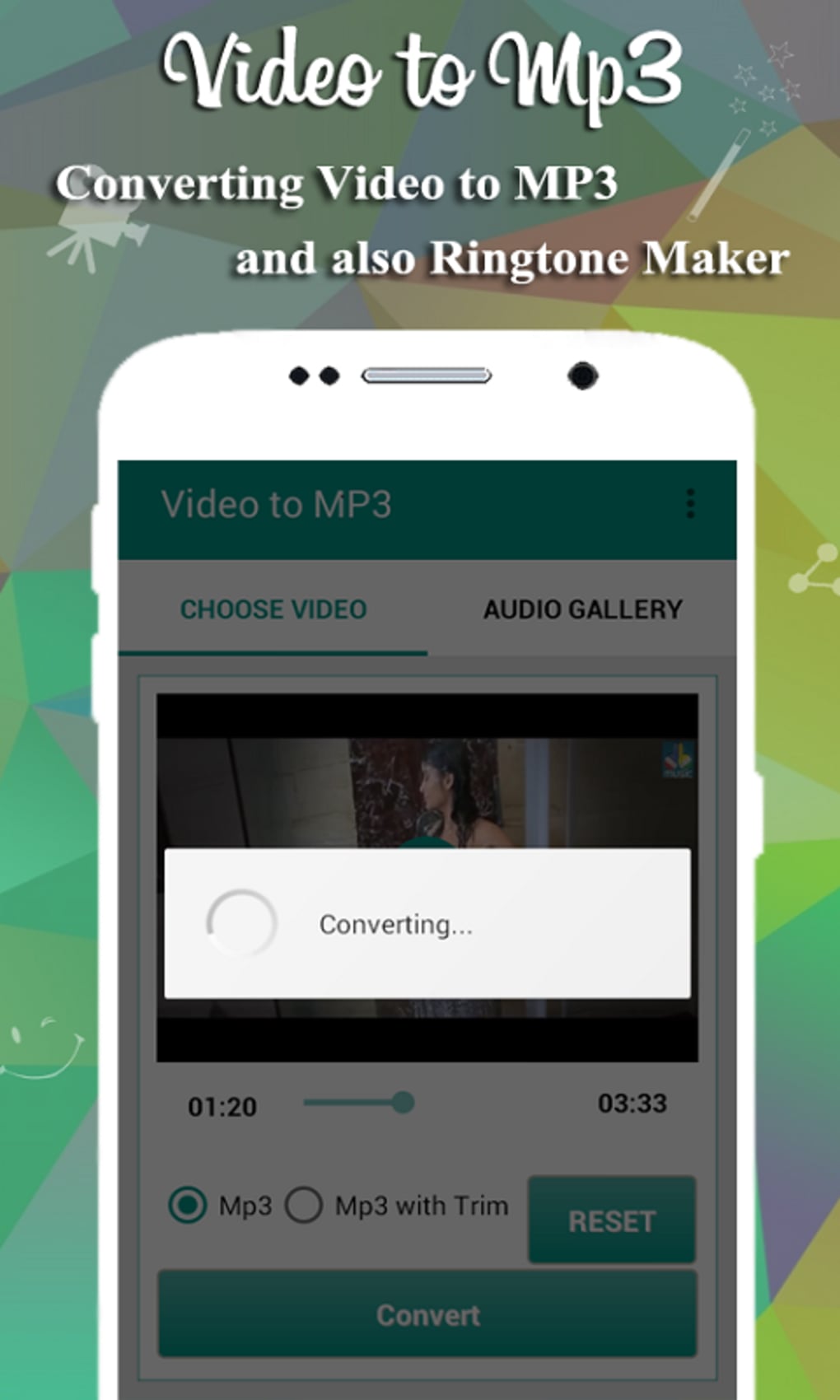
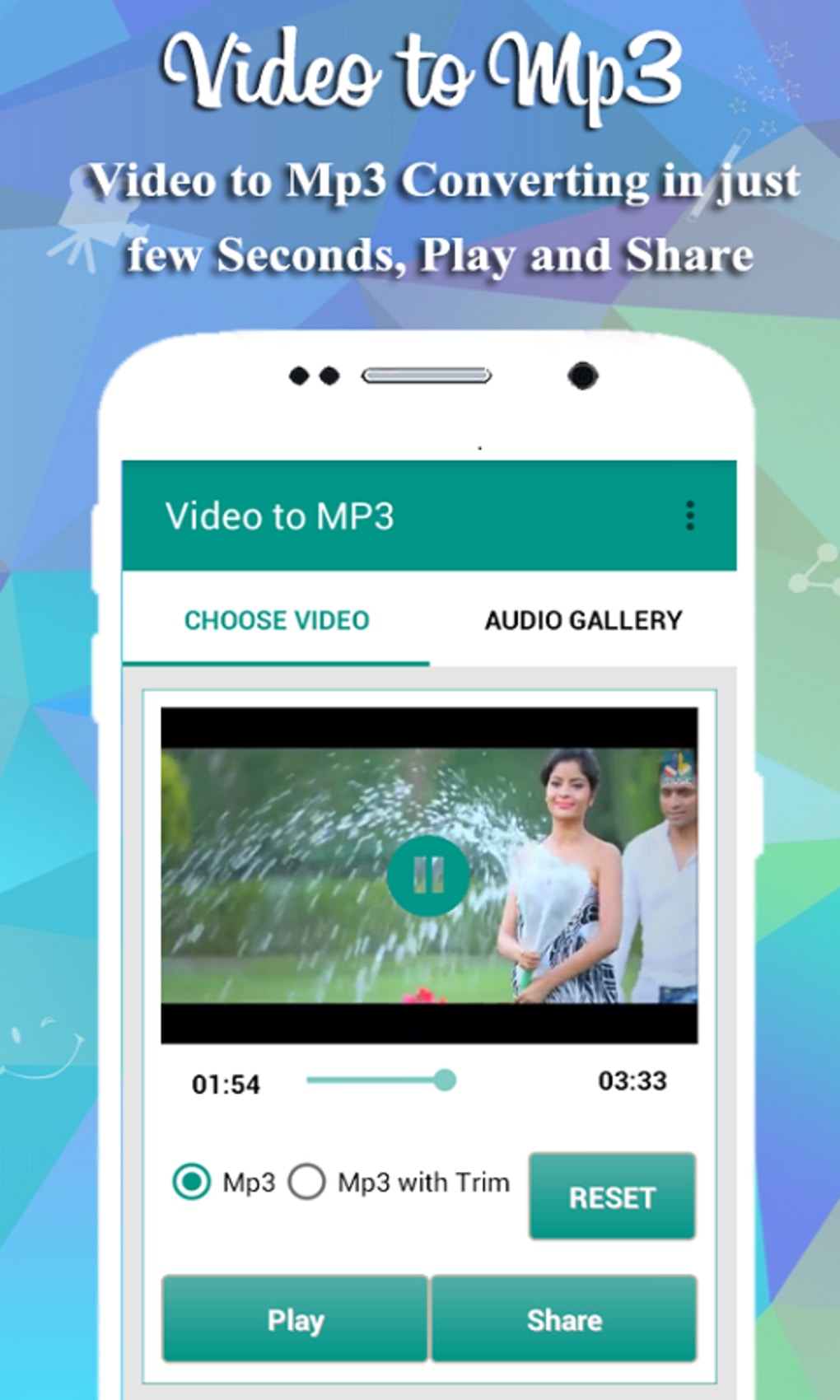
The application features a clean and intuitive user interface, designed for ease of use across all skill levels. Navigation is straightforward, with clearly labeled buttons and accessible conversion controls. The layout minimizes clutter, allowing users to focus on the core task: selecting a video and initiating conversion.
Workflow efficiency is high, as the process involves only a few steps: selecting the source file, choosing the output format and settings, and starting the conversion. The app does not require complex configuration or technical knowledge, making it suitable for beginners. The developer did not specify resource usage details, so performance behavior in terms of CPU or RAM consumption remains unknown. General software behavior patterns suggest stable operation under normal conditions, but exact performance metrics were not provided.
Stability and reliability are implied by the consistent functionality described, though no user feedback or crash reports were included. The app runs without visible lag during standard operations, based on typical mobile application behavior. No external dependencies or background processes were mentioned.
Compatibility & System Requirements
Video to Mp3 Converter APK is designed for Android devices. The supported operating system version is not specified, but the application is intended for mobile platforms. Installation size is not provided in the input data. The developer did not list exact system requirements, including minimum RAM, processor speed, or storage space.
Compatibility information is limited to the platform mentioned. No details were given about supported video formats beyond the general statement that the app handles various formats. Users are advised to verify compatibility with their specific device model and Android version. The developer did not provide information on whether the app supports older Android versions or newer releases.
Pros and Cons
Pros
- Simple and intuitive interface suitable for beginners and non-technical users.
- Supports both MP3 and AAC audio formats with customizable quality settings.
- Offers trimming functionality for precise audio extraction.
- Free to use with no ads or in-app purchases.
- Efficient conversion workflow with minimal steps.
Cons
- Exact system requirements and performance details were not specified.
- Compatibility with specific Android versions or devices is unclear.
- Only available for Android, limiting access for users on other platforms.
- No information on file size or storage usage after installation.
- Limited to mobile use; no desktop or PC version available.
FAQ Section
Is Video to Mp3 Converter available for Windows or Mac?
The application is currently only available for Android devices. There is no information on a desktop or PC version.
Does the app require an internet connection to work?
Based on the provided details, the app functions offline. Conversion and editing tasks do not require an active internet connection.
Are there any ads or in-app purchases?
No. The app is completely free and does not include advertisements or in-app purchases.
What audio formats can I convert to?
The app supports conversion to MP3 and AAC formats, both widely used for audio playback and compatibility across devices.
Can I trim videos before converting them to audio?
Yes. The app includes a trimming feature that allows users to select specific segments of a video or audio file for conversion.
Final Thoughts
Video to Mp3 Converter APK delivers a focused and user-friendly solution for extracting high-quality audio from video files on Android devices. Its clean interface, lack of ads, and support for multiple audio formats make it a strong choice for casual users and media enthusiasts. The inclusion of trimming functionality adds practical value, enabling precise audio extraction without the need for external tools.
While the app’s limitations—such as platform exclusivity and lack of detailed system requirements—may restrict broader appeal, it remains a reliable option for Android users seeking a straightforward, free audio extraction tool. For those who frequently extract music or soundtracks from videos, this app offers a convenient, no-frills solution.
Download Video to Mp3 Converter APK now and start converting your favorite video audio with ease.
Guides & Tutorials for Video to Mp3 Converter APK
How to install Video to Mp3 Converter APK
- Click the Preview / Download button above.
- Once redirected, accept the terms and click Install.
- Wait for the Video to Mp3 Converter APK download to finish on your device.
How to use Video to Mp3 Converter APK
This software is primarily used for its core features described above. Open the app after installation to explore its capabilities.
User Reviews for Video to Mp3 Converter APK 0
No reviews found





